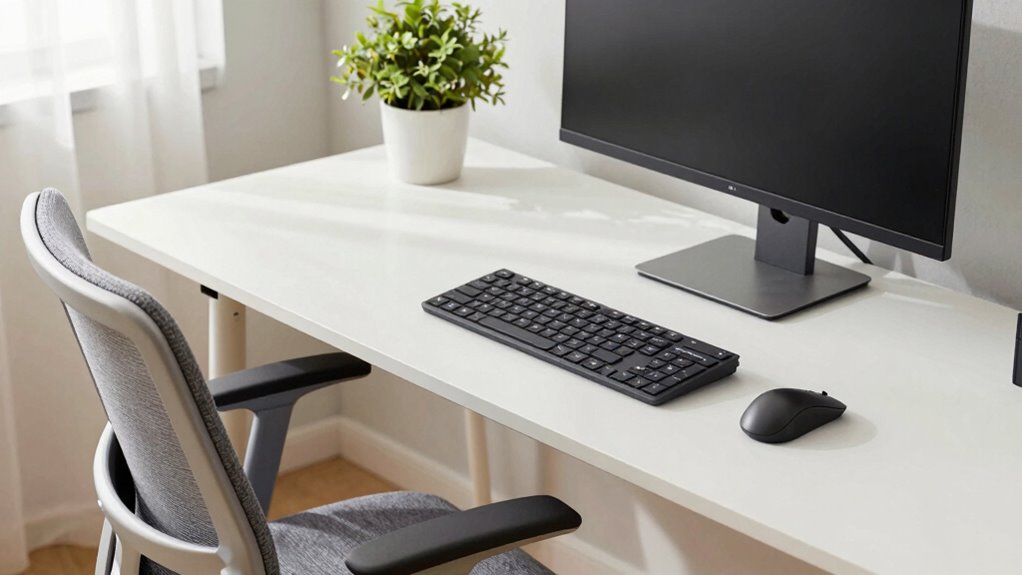

You might think powerful hardware is the key to maximum productivity, but without good ergonomics, your physical comfort and health suffer, which harms overall performance. A proper workspace setup helps you avoid pain and fatigue, allowing you to work longer and more efficiently. The right ergonomic design supports better posture, prevents injuries, and unleash your hardware’s full potential. If you keep going, you’ll discover how blending ergonomics with technology boosts long-term results.
Key Takeaways
- Ergonomics prevents physical strain, ensuring sustained comfort and reducing injuries during prolonged use of powerful hardware.
- Proper ergonomic setup enables users to fully leverage high-performance hardware without discomfort or distraction.
- Comfort and health support focus, productivity, and long-term well-being, maximizing the benefits of advanced computing power.
- Neglecting ergonomics can lead to fatigue and health issues that diminish the effectiveness of high-end hardware.
- Integrating ergonomic design with hardware upgrades creates a balanced environment for optimal work performance.
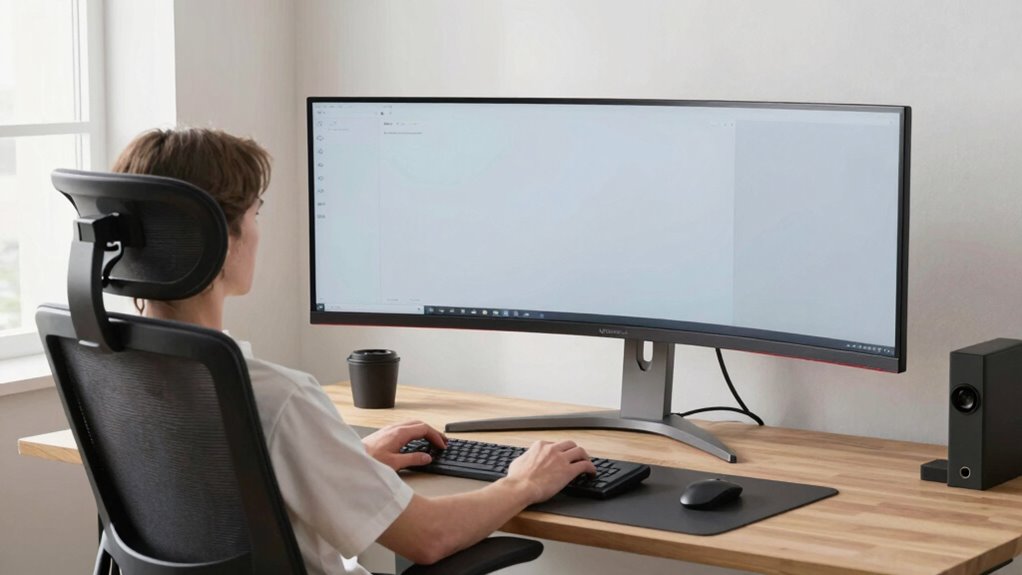
As computing power continues to grow at an unprecedented pace, understanding the role of ergonomics becomes more important than ever. When you’re working long hours at your computer, your overall experience depends not just on speed and processing capacity, but equally on how comfortable and efficient your workspace feels. Workplace comfort isn’t a luxury; it’s a necessity for maintaining focus, reducing fatigue, and preventing injury. If your setup isn’t ergonomically sound, even the fastest computer can’t compensate for the physical strain you’re subjected to daily. Poor ergonomics can lead to discomfort, repetitive strain injuries, and decreased productivity, all of which undermine the benefits of having powerful hardware.
Ergonomics is essential for comfort, health, and productivity in a high-powered workspace.
Your user experience is shaped by more than just software or processing speeds; it’s influenced by how well your environment supports your physical well-being. When your desk, chair, monitor, and keyboard are optimized for your body’s natural posture, you’ll notice a significant boost in comfort. For example, a properly adjusted chair that supports your lower back prevents slouching, which in turn minimizes neck and shoulder tension. Positioning your monitor at eye level reduces strain on your neck and eyes, allowing you to work longer without discomfort. These ergonomic considerations directly impact your ability to stay focused, avoid fatigue, and perform at your best, even on the most advanced machines. Incorporating ergonomic principles into your workspace isn’t about sacrificing productivity; it’s about enhancing it.
When you feel comfortable, your concentration sharpens, and you can fully leverage your computer’s raw power. Good ergonomics also fosters better posture habits, which can prevent long-term health issues that might otherwise sideline you. It’s easy to overlook these factors when chasing after faster processors or more memory, but neglecting ergonomic design can lead to diminishing returns in your overall efficiency. Think of ergonomics as the foundation that allows your hardware’s potential to be fully realized. Without it, even the most sophisticated systems can feel limiting or frustrating to use. Additionally, understanding workplace ergonomics can help you identify practical adjustments that significantly improve your daily comfort.
Ultimately, as your computing needs grow, so should your awareness of ergonomic design. It’s not enough to simply have the latest hardware; your environment must support your physical comfort to unlock its full potential. When your workspace promotes comfort and a seamless user experience, you’re better equipped to handle demanding tasks, think creatively, and stay healthy in the long run. In the end, balancing raw power with thoughtful ergonomic setup isn’t just wise—it’s essential for sustainable, effective work.

Marsail Ergonomic Office Chair: Office Desk Chair with High Back Mesh and Adjustable Lumbar Support Rolling Work Swivel Task Chairs with Wheel 3D Armrests and Headrest
- Fully Adjustable Headrest: 2D adjustable for personalized comfort
- Reclining Backrest: Adjusts from 90° to 120°
- 3D Adjustable Armrests: Customizable for various postures
As an affiliate, we earn on qualifying purchases.
As an affiliate, we earn on qualifying purchases.
Frequently Asked Questions
How Do Ergonomic Setups Vary for Different Professions?
You’ll find ergonomic setups differ based on your profession. For desk posture, a writer or designer needs a comfortable keyboard height and monitor level, while a programmer might prioritize a split keyboard. Adjust your chair for lumbar support and proper height, ensuring your feet rest flat. For different roles, tailoring chair adjustments and desk posture helps prevent strain, increases efficiency, and keeps you comfortable throughout your workday.
Can Poor Ergonomics Cause Long-Term Health Issues?
Poor ergonomics can definitely cause long-term health issues like chronic back pain, neck strain, and repetitive stress injuries. By prioritizing posture correction and using ergonomic accessories such as adjustable chairs, keyboard stands, and monitor risers, you reduce strain and improve comfort. Addressing these issues early helps prevent lasting damage, ensuring you stay healthy and productive over time. Don’t overlook the importance of a proper ergonomic setup for your well-being.
What Are the Cost Differences Between Ergonomic and Non-Ergonomic Equipment?
The cost comparison between ergonomic and non-ergonomic equipment often shows that ergonomic options are initially more expensive, but they save you money long-term. Ergonomic tools promote better posture and reduce health issues, cutting healthcare and sick leave costs. While ergonomic equipment might seem less affordable upfront, its durability and health benefits make it a worthwhile investment, ultimately improving equipment affordability over time and supporting your well-being.
How Quickly Can Ergonomic Improvements Impact Productivity?
Think of your workspace as a garden; an ergonomic assessment is like tending to your plants. You’ll see quick sprouts of growth—sometimes within days—as your productivity metrics improve. Small adjustments, like better posture or keyboard positioning, can rapidly boost your focus and efficiency. The key is to implement changes promptly and monitor results, ensuring your work environment nurtures your productivity as carefully as tending a flourishing garden.
Are There Specific Ergonomic Practices for Remote Workers?
Yes, there are specific ergonomic practices for remote workers. You should prioritize posture alignment by sitting upright with your back supported and feet flat on the ground. Keep your keyboard positioning at elbow height to prevent strain. Regularly adjust your chair and monitor to maintain proper alignment, and take frequent breaks to stretch. These simple steps can substantially reduce discomfort and improve your overall productivity while working remotely.

BONTEC Dual Monitor Stand Riser, Adjustable Length & Swivel Angle, White
- Adjustable Length and Swivel: Fits desks from 31.5" to 42.5" with swivel shelves
- Flexible Layout Options: Supports straight, angled, or corner setups
- Ergonomic Eye-Level Raising: Reduces neck, back, and shoulder strain
As an affiliate, we earn on qualifying purchases.
As an affiliate, we earn on qualifying purchases.
Conclusion
So, next time you’re dazzled by the latest, most powerful computer, remember that your comfort and health might be the real game-changers. After all, it’s ironic how we often chase after raw speed, neglecting the simple ergonomics that keep us productive and pain-free. Maybe, just maybe, investing in a good chair and proper setup isn’t a distraction from progress but the secret to truly harnessing all that power. Prioritize yourself—because no amount of processing speed can fix a sore back.

Wireless Keyboard and Mouse Combo, SABLUTE MA41 30dB Quiet Ergonomic Wave Keyboard Set with Soft Leather Palm Rest, Dual-System Switch for Windows/Mac, Ideal for Business Teams Home Office
- Ergonomic Wave Design: Supports natural typing posture
- Adjustable Tilt Angles: Customize for comfort
- Leather Wrist Rest: Soft, supportive cushioning
As an affiliate, we earn on qualifying purchases.
As an affiliate, we earn on qualifying purchases.

CasaZenith Foot Rest Under Desk at Work, Foot Stools for Under Office Desk
- Ergonomic Design: Provides all-day foot massage and posture support
- Adjustable Swing: Swings forward and backward for customized comfort
- Durable & Easy to Clean: Made of premium thickened PP with non-slip base
As an affiliate, we earn on qualifying purchases.
As an affiliate, we earn on qualifying purchases.