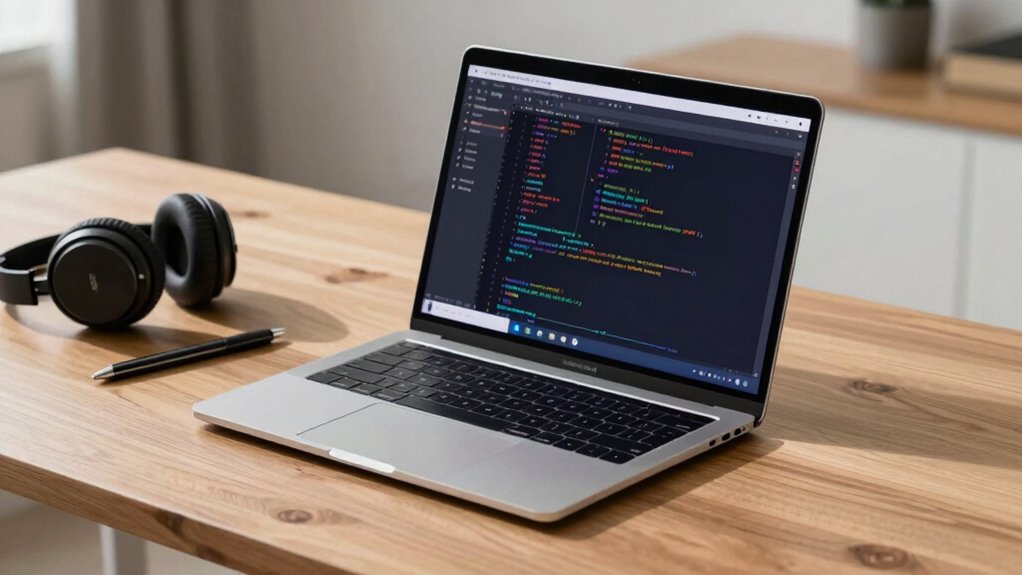

A good laptop for AI workloads has a powerful processor like an Intel i7/i9 or AMD Ryzen, with multiple cores to handle complex tasks efficiently. You should also have at least 16GB of RAM, ideally more for large datasets, and a dedicated GPU such as an NVIDIA RTX series for faster training. Fast NVMe SSD storage and reliable cooling are essential to maintain performance. Keep reading to discover how these components work together for peak AI performance.

Prime made for students and young adults
- Fast, free delivery for dorm and study essentials
- Prime Video and Amazon Music included
- Member-only deals
Key Takeaways
- Equipped with a multi-core CPU, such as Intel i7/i9 or AMD Ryzen, for efficient processing of complex AI tasks.
- Contains at least 16GB RAM, preferably 32GB or more, to handle large datasets smoothly.
- Features a dedicated GPU like NVIDIA RTX series supporting CUDA for accelerated AI model training.
- Uses fast NVMe SSD storage for quick data access and transfer during intensive workloads.
- Runs compatible, optimized software with proper drivers to maximize hardware performance in AI frameworks.
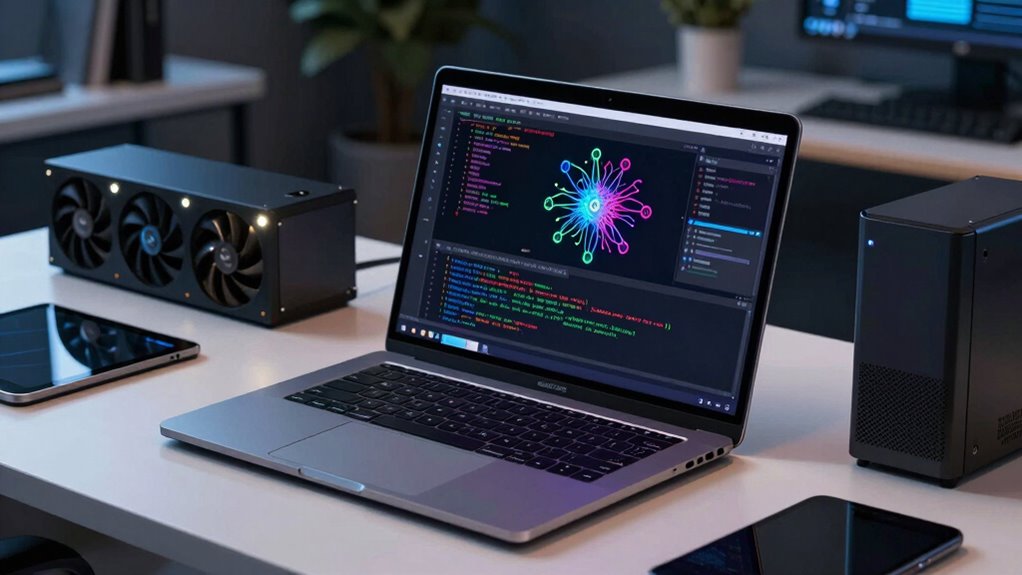
As artificial intelligence workloads become more demanding, choosing the right laptop can make a paramount difference in your productivity and efficiency. The key lies in understanding what makes a laptop well-suited for AI tasks. Primarily, it’s about hardware compatibility and software optimization. You want a machine that can handle intensive computations without slowing down or overheating. This means prioritizing high-performance components that work seamlessly together.
Start with the processor. AI workloads require powerful CPUs, ideally multi-core models like Intel’s i7 or i9 series, or AMD Ryzen equivalents. These processors handle complex calculations efficiently, guaranteeing your workflows aren’t bottlenecked. Pair your CPU with ample RAM—16GB is a baseline, but 32GB or more is better if you’re working with large datasets or training deep learning models. More memory allows your laptop to process data quickly and avoid constant swapping, which can hamper performance.
Graphics processing units (GPUs) are equally important. A dedicated GPU, such as NVIDIA’s RTX series, offers the parallel processing power needed for machine learning and neural network training. When selecting a GPU, guarantee it’s compatible with your AI frameworks and libraries. Hardware compatibility plays a pivotal role here; not all GPUs work seamlessly with every software environment. You’ll want a GPU that supports CUDA or similar acceleration technologies to maximize performance. Additionally, selecting GPUs with appropriate hardware compatibility can help prevent issues with software integration.
Storage is another consideration. Fast SSDs, preferably NVMe, provide rapid data access, which is essential when working with large datasets. Storage capacity should match your project needs, but prioritize speed over sheer size for AI workloads. Additionally, guarantee the laptop’s cooling system is efficient enough to prevent thermal throttling during extended training sessions. Overheating can reduce performance and damage hardware, so thermal management is essential. Implementing effective cooling solutions can greatly extend your hardware’s lifespan and maintain consistent performance.
Furthermore, ensuring hardware compatibility with your AI frameworks and libraries can significantly impact your workflow efficiency. Software optimization is just as critical as hardware. Your chosen operating system and drivers must be compatible with AI frameworks like TensorFlow, PyTorch, or Keras. Regular updates and proper configuration can greatly boost your laptop’s efficiency. Optimizing your software environment ensures that the hardware’s capabilities are fully utilized, reducing training times and increasing throughput.
Laptop with Intel i7 i9 processor for AI
As an affiliate, we earn on qualifying purchases.
As an affiliate, we earn on qualifying purchases.
Frequently Asked Questions
How Important Is GPU VRAM for AI Training Tasks?
GPU VRAM is essential for AI training tasks because it determines how much data your GPU can handle simultaneously. The larger the VRAM capacity, the better you’ll manage larger models and datasets without running into memory bottlenecks. If you’re training complex neural networks or working with extensive datasets, prioritizing a GPU with ample GPU memory is vital. Without enough VRAM, your training process slows down considerably or even stalls.
Can a Lightweight Laptop Handle Intensive AI Computations?
A lightweight laptop can handle some AI computations, but it often struggles with intensive tasks due to limited GPU power and thermal issues. You should consider battery life, as heavy workloads drain power quickly, and portability concerns, since powerful components add weight. While a lightweight laptop offers portability, it may not be ideal for demanding AI workloads. For serious training, a more robust device with better cooling and battery capacity is recommended.
What Is the Ideal CPU Architecture for AI Workloads?
Your ideal CPU architecture for AI workloads combines powerful AI chipsets with the potential of quantum computing. Think of AI chipsets like the brain’s swift neurons, optimized for parallel processing and deep learning. Quantum computing, on the other hand, offers exponential speed for complex calculations. Together, they create a synergy that fuels efficient, high-performance AI tasks, making your laptop a true powerhouse capable of tackling the most demanding workloads.
Do Ai-Specific Software Tools Influence Laptop Hardware Requirements?
AI-specific software tools do influence your laptop’s hardware requirements. You need hardware optimized for AI software compatibility, such as powerful GPUs and ample RAM, to guarantee smooth performance. These tools often demand specialized hardware features like tensor cores or high-speed data transfer, so choosing a laptop with hardware optimized for AI workloads boosts efficiency and reduces bottlenecks. Ultimately, matching hardware capabilities with your AI software needs improves your overall experience.
How Does Thermal Management Impact AI Processing Performance?
Imagine a laptop’s internal airflow as a swift river carrying away heat; thermal management is essential for AI workloads. When cooling efficiency is high, heat dissipation happens smoothly, preventing overheating. This steady heat removal keeps processors running at ideal speeds, avoiding throttling. Without proper thermal management, heat builds up like a stagnant pond, slowing down processing and risking hardware damage, ultimately hindering your AI performance.
NVIDIA RTX series dedicated GPU laptop
As an affiliate, we earn on qualifying purchases.
As an affiliate, we earn on qualifying purchases.
Conclusion
Choosing the right laptop for AI workloads is like picking a trusted steed for a challenging quest. You need power under the hood, a sharp mind (processor), and stamina (RAM) to keep going. With the right specs, your laptop becomes a loyal companion, ready to conquer complex data terrains and bring your AI visions to life. So, gear up wisely—your AI adventure awaits, and the perfect laptop is your ultimate sword and shield.
High RAM laptops for AI workloads
As an affiliate, we earn on qualifying purchases.
As an affiliate, we earn on qualifying purchases.
Fast NVMe SSD laptops for data science
As an affiliate, we earn on qualifying purchases.
As an affiliate, we earn on qualifying purchases.
Halloween Picks
halloween
As an affiliate, we earn on qualifying purchases.