
Dyslexia support technology helps reduce visual stress by offering tools like customizable fonts, background colors, and overlays that make text clearer and easier to process. Features such as text-to-speech, highlighted text, and multisensory cues can lower eye strain and fatigue, improving focus and comprehension. Many apps also allow quick adjustments to create a comfortable reading environment tailored to your needs. Keep exploring to discover how these tools can transform your experience.
Key Takeaways
- Customizable overlays, font styles, and background colors help minimize glare and visual distortions, reducing eye strain during reading.
- Multisensory features like text-to-speech and highlighted text improve comprehension and decrease the effort required to process text.
- Adjustable contrast, spacing, and font sizes tailor the reading environment to individual visual sensitivities.
- Assistive tools like real-time decoding support and visual biomarkers help identify and alleviate reading difficulties.
- Emerging technologies such as AR and AI-powered aids provide personalized, immersive reading experiences that lower visual stress.
What Is Visual Stress and How Does It Affect Dyslexic Readers?
Have you ever noticed how some words seem to blur or move on the page, making reading difficult? That’s often a sign of visual stress, which impacts visual processing. When you experience visual stress, your eyes strain more, and words may appear distorted or flicker, leading to reading fatigue. This makes it harder to focus and process text smoothly, especially for dyslexic readers. Visual stress isn’t just about poor eyesight; it involves how your brain interprets visual information. It can cause discomfort, headaches, or a feeling of dizziness while reading. Recognizing these signs helps you understand why reading can be exhausting and why certain tools or overlays might ease your visual processing. Reducing visual stress is key to making reading easier and more comfortable. Incorporating specialized reading tools designed for visual processing can significantly alleviate these symptoms, especially when combined with visual processing strategies. Additionally, understanding narcissistic traits can help individuals develop better coping mechanisms for managing stress and emotional challenges related to visual or cognitive difficulties. Exploring visual stress further can also lead to more tailored interventions that improve reading endurance and comprehension.
Key Features to Look for in Dyslexia Reading Tools

When choosing dyslexia reading tools, it’s important to look for features that directly address visual processing challenges. Effective tools should support phonetic decoding by providing clear, multisensory cues that help you connect sounds and symbols. Look for features that enhance visual tracking, such as highlighted text, adjustable line guides, or overlays, which help your eyes follow lines smoothly and reduce wandering. These features make it easier to stay focused on the text, minimizing visual fatigue. Additionally, tools with customizable font styles and sizes can improve clarity, further aiding phonetic decoding. Prioritizing these features helps you overcome common visual stress triggers, making reading more comfortable and accessible. Incorporating visual tracking aids into your reading tools can significantly improve your ability to stay engaged with text and reduce strain. Using evidence-based features ensures that the tools you select are grounded in research and proven to support visual processing. Exploring multisensory learning techniques can also enhance comprehension and retention, making your reading experience even more effective. The right combination of phonetic decoding support and visual processing tools can markedly improve your reading experience, especially when they leverage scientifically supported methods to optimize learning.
How Customizing Text Settings Can Make Reading Easier
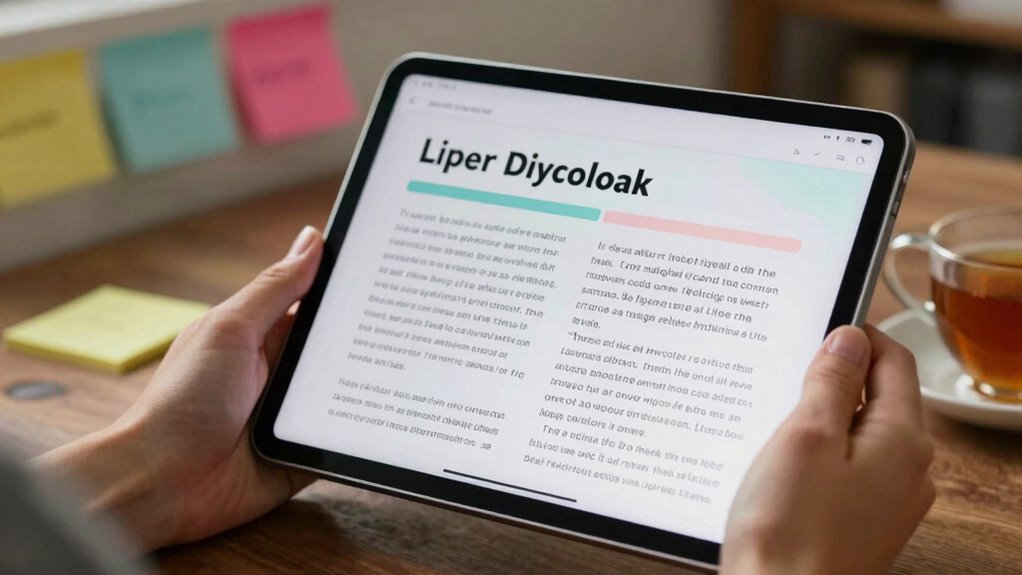
Did you know that customizing text settings can substantially reduce reading difficulty for people with dyslexia? By adjusting font adaptation and background contrast, you create a more comfortable reading environment. Choosing a font with clear, simple letterforms helps reduce visual confusion. Enhancing background contrast makes text stand out, easing eye strain. Use the table below to explore options:
| Font Adaptation | Background Contrast | Effect |
|---|---|---|
| Sans-serif fonts | High contrast (black/white) | Improves letter clarity |
| Larger font sizes | Soft contrast (light gray) | Reduces visual stress |
| Spaced lettering | Low contrast (off-white) | Minimizes crowding |
| Custom spacing | Adjustable background color | Enhances readability |
| Bold text options | Dynamic contrast settings | Tailors reading experience |
Adjusting these settings lets you read longer with less fatigue. Additionally, selecting appropriate reading tools can further support comfortable reading experiences. Incorporating customizable display options also allows for tailored visual adjustments to meet individual needs. For example, text customization can be a crucial step in creating an effective reading environment.
Which Apps and Software Are Best for Supporting Dyslexia?
Selecting the right apps and software can considerably enhance reading experiences for individuals with dyslexia. These tools improve reading comprehension and support phonetic decoding, making reading more accessible. Here are three top options:
- Ghotit Real Writer – Designed for better phonetic decoding, it offers spell checking tailored for dyslexic users, helping you understand tricky words more easily. Its specialized algorithms are optimized for common dyslexia challenges.
- Learning Ally – Provides audiobooks and supports reading comprehension by offering texts in audio format, reducing strain and aiding understanding.
- SnapType – Enables you to annotate and edit documents with ease, helping you focus on decoding and comprehension without frustration.
Utilizing halal guidelines in the development of these tools ensures they meet diverse needs and standards, further supporting users in building confidence and developing stronger reading skills, making reading less stressful.
How Text-to-Speech Supports Reading and Reduces Strain
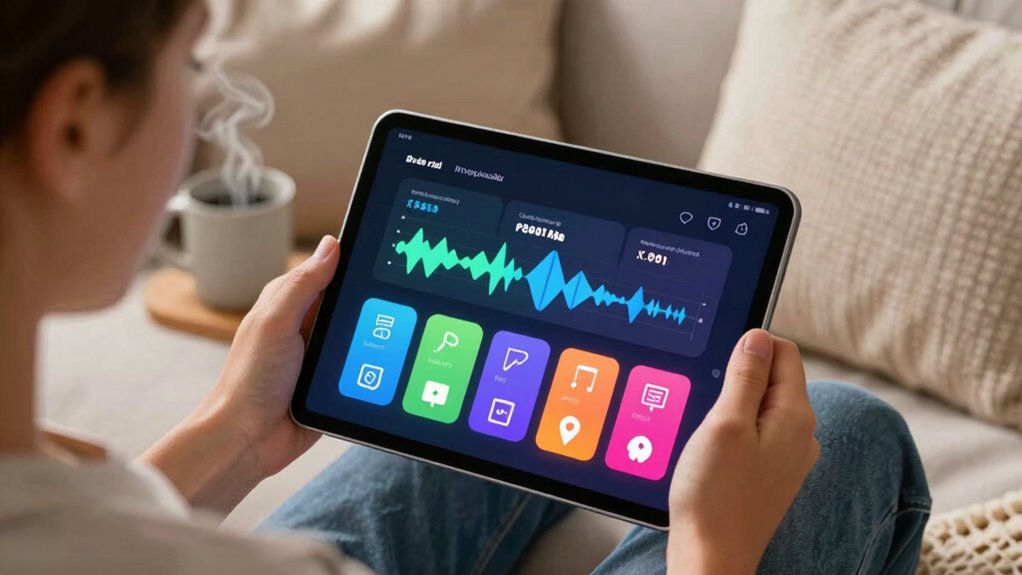
Text-to-speech technology makes reading easier by helping you understand content better and stay focused. It also reduces eye strain and fatigue, so you can read longer without discomfort. This support tool can substantially improve your reading experience and overall comfort. Additionally, integrating at-home reading devices can further enhance accessibility and reduce visual stress. Using study techniques and exam preparation strategies, such as regular review sessions, can further reinforce learning and ease reading challenges. Incorporating adaptive reading tools tailored to individual needs can maximize comfort and support sustained reading efforts. Moreover, choosing compact, lightweight models designed for easy use can make a significant difference in managing visual stress during reading sessions.
Enhanced Comprehension and Focus
When you listen to text read aloud, it can markedly improve your understanding and concentration. This method enhances visual perception by reducing the effort needed to decode words, freeing your cognitive focus for comprehension. Using text-to-speech tools helps you stay engaged, making it easier to follow complex ideas. Additionally, incorporating attention to detail in your reading approach can further support the development of a personalized and effective learning environment. Engaging with interactive experiences at festivals like Burning Sands can also motivate sustained focus and learning engagement. Recognizing the importance of reliable, well-researched, and easy-to-follow educational content can help you build trust and confidence in your learning process.
Reduced Eye Strain and Fatigue
Using text-to-speech technology can substantially reduce eye strain and fatigue during reading sessions. When you listen to content rather than constantly focusing on small text, your eyes experience less effort, decreasing eye fatigue. This shift allows for greater visual comfort, especially during prolonged reading periods. By removing the need to scan pages visually, you prevent unnecessary strain on your eye muscles. Additionally, the auditory delivery reduces the likelihood of headaches or discomfort caused by intense visual focus. This support tool makes reading more accessible and less tiring, helping you conserve energy for comprehension and retention. Ultimately, incorporating text-to-speech into your routine offers a simple but effective way to enhance comfort and sustain your reading stamina.
Using Color Overlays and Filters to Minimize Visual Stress

Choosing the right color overlays and filters can make a visible difference in reducing your visual stress. Keep in mind that filter effectiveness varies, so what works for one person might not for another. Customizing your options guarantees you find the most comfortable solution for your needs. Exploring StyleGuru.org can provide additional resources and insights into selecting effective visual aids. Understanding the importance of adjustable filters can help you tailor your visual tools to better suit your specific sensitivities and needs. Additionally, selecting high-quality, specialized overlays can further enhance comfort and effectiveness in alleviating visual stress.
Color Choice Matters
Selecting the right color overlays or filters can considerably reduce visual stress for individuals with dyslexia. Your choice of color affects both color perception and visual comfort, making reading easier. To find the best option, consider these factors:
- Test different colors to see which provides the most relief and clarity.
- Focus on hues that reduce glare and enhance text contrast.
- Remember that personal preference plays a role—what works for someone else might not work for you.
Filter Effectiveness Varies
Have you ever wondered why some color overlays work better than others for reducing visual stress? The answer lies in filter effectiveness, which varies greatly between individuals. Not all filters influence visual perception equally; what helps one person may not help another. Factors like contrast, hue, and transparency affect how well a filter reduces glare or minimizes visual distortions. Some overlays improve clarity and comfort, while others may have little impact or even worsen symptoms. It’s important to test different options, as the effectiveness depends on your unique visual processing. By understanding that filter effectiveness isn’t universal, you can better select tools that truly support your reading experience and lessen visual stress.
Customization Enhances Comfort
Since filter effectiveness varies from person to person, customizing your approach can make a significant difference in reducing visual stress. Adjusting font size and background color helps you find what feels most comfortable. Consider these options:
- Experiment with different background colors to find one that minimizes glare and enhances readability.
- Increase or decrease font size until text feels natural, reducing eye strain.
- Try overlays or filters with specific hues to improve contrast and reduce visual clutter.
Adjustable Text and Interactive Platforms for Better Comfort
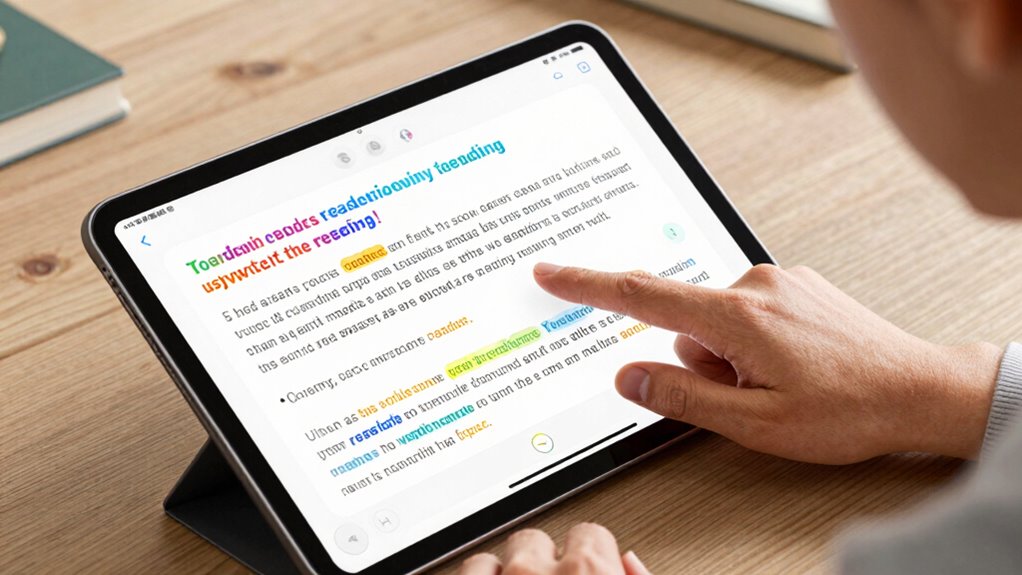
Adjustable text features and interactive platforms are transforming how individuals with dyslexia experience reading. With customizable options, you can easily alter font size to reduce strain and improve focus. Changing the background color helps minimize visual stress caused by glare or contrast issues, making reading more comfortable. These tools often include intuitive controls, so you can quickly adjust text settings to suit your preferences. Interactive platforms also offer features like highlighting, annotations, and text-to-speech, which support understanding and engagement. By tailoring the reading environment, you gain better control over your visual comfort, reducing fatigue and frustration. These adaptable features empower you to create a reading experience that minimizes stress and maximizes clarity, making reading more accessible and enjoyable.
Tips for Integrating Reading Technology Into Daily Practice
Incorporating reading technology into your daily routine can substantially enhance your comfort and comprehension. To make the most of assistive reading tools, consider these tips for smooth technology integration:
Boost your reading comfort daily by embracing assistive technology and exploring new features regularly.
- Start small by experimenting with one tool, like text-to-speech or customizable fonts, to see what works best for you.
- Create a consistent routine, such as using assistive reading apps during homework or reading sessions, to build familiarity.
- Keep your devices updated and explore new features regularly to stay current with assistive technology options.
Emerging Trends in Dyslexia Support Tech
Emerging trends like AI-powered reading aids are transforming how you support dyslexic learners. Customizable text features allow you to tailor reading experiences to individual needs, making learning more accessible. Additionally, augmented reality integration offers immersive tools that can enhance engagement and comprehension.
AI-Powered Reading Aids
AI-powered reading aids are transforming how people with dyslexia access written content, making reading more manageable and engaging. These tools leverage artificial intelligence to support phonetic decoding and boost reading fluency. By analyzing text in real-time, they help you break down complex words, improving your ability to decode unfamiliar words quickly. This increases your confidence and reduces frustration during reading sessions. Here are three ways these aids help you:
- Personalize reading support based on your specific challenges.
- Provide instant feedback to improve phonetic decoding skills.
- Adjust text presentation to reduce visual stress and enhance focus.
With AI, you gain a powerful partner that adapts to your needs, helping you read more smoothly and efficiently every day.
Customizable Text Features
Have you noticed how customizable text features are revolutionizing the way people with dyslexia engage with written content? These features let you adjust font customization and text spacing to suit your needs, making reading more comfortable. You can select fonts that are specifically designed for dyslexia, such as those with unique letter shapes, which help reduce confusion. Additionally, altering text spacing—whether increasing line or letter spacing—can improve clarity and reduce visual stress. These adjustments help you focus better and process information more efficiently. By tailoring the text presentation to your preferences, you gain greater control over your reading experience. Customizable text features empower you to create an environment that minimizes distractions and enhances comprehension, making reading less frustrating and more accessible.
Augmented Reality Integration
Augmented reality (AR) is transforming how you access and interact with written content by overlaying digital information onto the real world. This technology enhances learning experiences in virtual classrooms, making reading more engaging and personalized. AR can highlight reading biomarkers, such as eye movement patterns, to identify areas where you struggle. It also offers real-time feedback, helping you adjust your reading strategies instantly. Here are three key benefits:
- Interactive overlays that clarify complex text or diagrams.
- Personalized reading support based on your visual processing.
- Enhanced engagement through immersive, real-world contexts.
Choosing the Right Tools: A Guide to Better Reading Accessibility
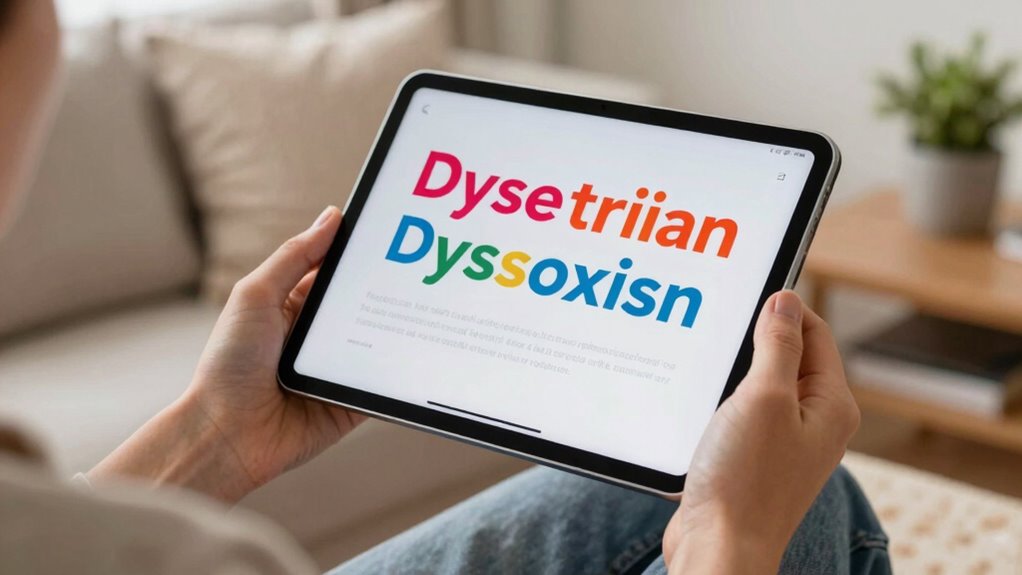
Choosing the right tools for reading support can substantially improve accessibility for individuals with dyslexia. Start by focusing on font selection; opt for fonts designed for readability, such as sans-serif styles like Arial or OpenDyslexic, which reduce letter confusion. Additionally, background customization is essential—adjusting background colors or patterns can lessen visual stress and improve focus. Many reading tools allow you to change backgrounds to pastel shades or high-contrast options, making text easier to process. Experimenting with these features helps you find the most comfortable setup. Remember, small adjustments tailored to your preferences can make a significant difference in your reading experience. Prioritize tools that offer flexible font choices and background options to create a personalized, accessible reading environment.
Frequently Asked Questions
How Do I Determine Which Reading Tool Best Suits My Needs?
To find the best reading tool for your needs, start with reading assessments to identify your specific challenges. Then, explore customization options like adjustable text size, background color, and font style to see what feels most comfortable. Test different tools and pay attention to how they reduce visual stress. Your comfort and improved reading experience will guide you toward the ideal tool tailored to your preferences.
Can These Tools Be Used Effectively by Children and Adults Alike?
Ever wonder if reading tools can bridge generations? Yes, they can be used effectively by both children and adults. These tools enhance visual comfort with adjustable features like font size, color overlays, and contrast, making reading easier for everyone. Accessibility features guarantee that users of any age can customize their experience, reducing eye strain and improving comprehension. So, no matter your age, these tools support a more comfortable, accessible reading experience.
Are There Any Costs Associated With High-Quality Dyslexia Support Tech?
Yes, high-quality dyslexia support tech often involves cost considerations. While some tools are free or low-cost, others may require a subscription or one-time purchase, which can raise accessibility concerns. You should evaluate your budget and specific needs to find the most effective options. Keep in mind that investing in reliable tools can considerably reduce visual stress and improve reading experiences for both children and adults.
How Quickly Can Users Notice Improvements With These Tools?
Think of these tools as a pair of glasses for your mind; you might notice clearer vision almost instantly. Many users experience improved visual comfort within days, which often leads to faster reading speed over time. While some may see quick results, others might need a couple of weeks to fully adapt. Consistent use helps maximize benefits, making reading easier and more comfortable for you.
What Training or Support Is Available for New Users?
When you start using reading tools, you’ll find that user onboarding and technical tutorials make the process seamless. These resources guide you step-by-step, helping you understand features and customize settings for your needs. Support teams are also available to assist if you encounter any issues. With clear instructions and ongoing help, you’ll quickly become confident in using the tools to reduce visual stress and improve reading comfort.
Conclusion
By exploring these tools and customizing your reading experience, you’re taking proactive steps to ease visual stress and boost confidence. Remember, the right technology can be a game-changer, transforming challenges into opportunities. Don’t be afraid to experiment and find what works best for you—sometimes, it’s all about turning over a new leaf. With patience and persistence, you’ll find solutions that help you read comfortably and thrive.