
TL;DR
Open a free Amazon Business account
Business pricing, bulk buying and tax-exempt orders.
As an affiliate, we earn on qualifying purchases.
You can generate a complete set of publishing assets from a single video without relying on cloud services. Local AI tools analyze, transcribe, and package everything—saving time, protecting privacy, and cutting costs.
Imagine finishing a YouTube video and having a full suite of ready-to-publish assets pop up on your desktop. No cloud, no subscriptions, just a local powerhouse transforming one file into everything you need. That’s not a dream — it’s becoming reality with tools like ChannelHelm, which handle your entire publishing process right on your machine.
This approach reshapes how creators, educators, and marketers work, offering speed, control, and privacy. You upload a video, and within minutes, you get a polished set of titles, descriptions, social posts, clips, and more. Forget juggling multiple apps or worrying about data leaks. Everything stays under your roof, on your terms.
Key Takeaways
- Local AI tools analyze your video on multiple layers—audio, visuals, and on-screen text—to generate a full publishing kit.
- Processing on your machine boosts privacy, reduces costs, and speeds up your workflow compared to cloud-based options.
- You can produce all necessary assets—titles, descriptions, clips, social posts—from one source video within minutes.
- A local setup requires specific hardware but offers total control and offline capabilities.
- Choosing local AI depends on your hardware capacity, editing needs, and privacy priorities.
As an affiliate, we earn on qualifying purchases.
How a Local Tool Converts One Video into a Full Publishing Kit
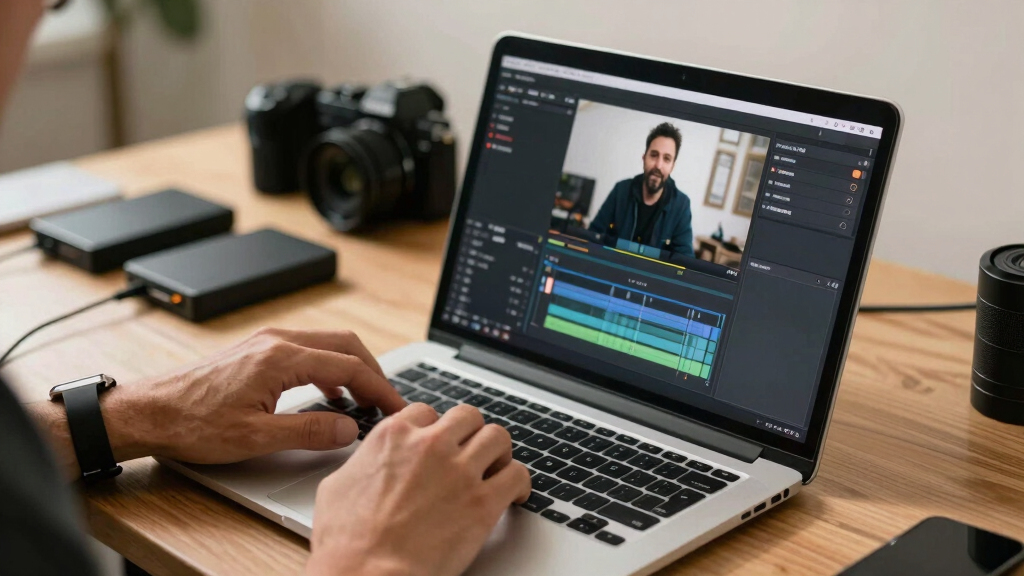
When you drop a video into a local AI tool, it does more than just transcribe. It analyzes every layer — audio, visuals, and on-screen text. Think of it as a chef tasting every ingredient before cooking, ensuring each part is perfectly understood.
For example, ChannelHelm reads the spoken words with precise timing, detects scene changes, and even recognizes charts or product shots with OCR. It then fuses these streams into a single timeline, giving the system a detailed map of your content. From this map, it generates everything from catchy titles to social snippets, all tailored for each platform.
This process isn’t just clever; it’s fast. You upload your video, and in less than 10-15 minutes, a complete package is ready for review. No waiting for cloud servers or third-party services. It’s all happening on your machine, behind your firewall.
Deep analysis matters because it ensures that each asset — from metadata to clips — accurately reflects the content’s core message. This level of detail reduces the need for manual editing later, saving creators time and minimizing errors. However, it also involves tradeoffs: highly detailed analysis requires more processing power and time upfront, which might be a consideration for less capable hardware. The key is balancing depth of analysis with your hardware’s capacity to optimize both accuracy and speed.

video publishing assets generator
As an affiliate, we earn on qualifying purchases.
As an affiliate, we earn on qualifying purchases.
Why Going Local Beats Cloud for Content Creation
Local processing isn’t just about avoiding internet hiccups. It’s about control, speed, and privacy. When your tools run on your hardware, you eliminate delays caused by data transfer. Plus, your content stays where it belongs — under your control.
Imagine working on a sensitive corporate training video. Uploading it to a cloud might risk leaks or breaches. But with local AI, the entire process remains private, secure, and lightning-fast. According to recent surveys, 60% of creators prefer local workflows for sensitive projects because of these privacy benefits [3].
And let’s not forget costs. Cloud services often charge per minute or per asset, stacking up over time. Local solutions typically involve a fixed hardware investment, making your costs predictable and avoiding recurring fees [1][3]. This tradeoff means that, while initial hardware costs might be higher, the long-term expenses are often lower, especially for high-volume creators who would otherwise pay ongoing subscription fees. Learn more about geometric tools and resources. Moreover, local processing reduces reliance on external servers, which can be a critical advantage in areas with unreliable internet or in situations where data sovereignty matters most.
Understanding these tradeoffs helps creators decide whether the upfront investment in hardware and setup is justified by the benefits of speed, privacy, and cost savings over time. Visit geometr.info for more resources. Ultimately, the choice hinges on your specific needs, volume of content, and privacy priorities.

offline video transcription tool
As an affiliate, we earn on qualifying purchases.
As an affiliate, we earn on qualifying purchases.
What Can a Complete Publishing Kit Include? A Real-World Example
From one video, you can generate:
- Transcripts and captions
- Catchy titles and SEO metadata
- Chapter markers for navigation
- Multiple social media posts tailored for platforms like TikTok, Instagram, and Twitter
- Thumbnails pulled from key moments
- Short clips for reels, Shorts, or TikTok
- Blog drafts and newsletter summaries
Take a YouTube creator who just finished a 20-minute explainer. With local AI, they get a detailed transcript, five title options scored by potential reach, three social post drafts, and a vertical clip for TikTok — all in under 15 minutes. All assets are ready to publish, no third-party apps needed.
This exemplifies how a comprehensive publishing kit can drastically reduce production time and streamline distribution. It ensures consistency across platforms and minimizes manual editing, which is often a bottleneck in content workflows. The ability to generate these assets from a single source video also means creators can iterate faster, test different messaging, and adapt quickly to trends without waiting for external services or manual compilation.

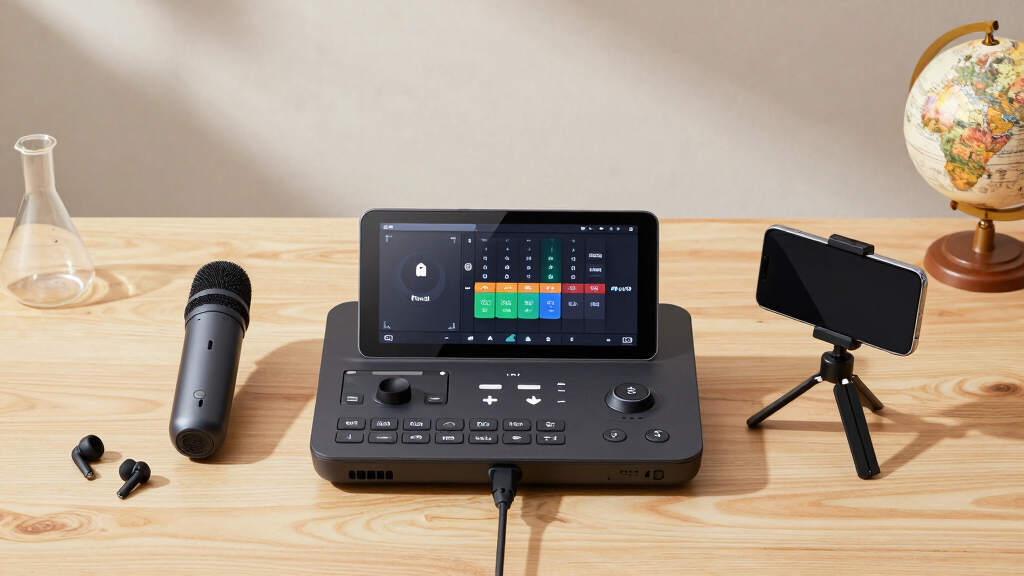
privacy-focused video editing hardware
As an affiliate, we earn on qualifying purchases.
As an affiliate, we earn on qualifying purchases.
Step-by-Step: How to Turn a Video into a Publishing Kit Without the Cloud
- Drop or link: Insert your video file or paste a URL into the local tool.
- Analyze: The AI transcribes, detects scene changes, reads on-screen text, and fuses everything into a timeline. This deep analysis is crucial because it allows the system to understand the content contextually, enabling more accurate asset generation. It also means less manual correction later, reducing overall editing time. The tradeoff is that more detailed analysis requires more processing power and time upfront — so balancing analysis depth with hardware capability is key.
- Review: Use the dashboard to check generated titles, descriptions, clips, and social posts. Make edits or regenerate assets as needed. This step ensures that the AI’s interpretation aligns with your intent and that the assets are ready for publication.
- Approve and publish: Send assets directly to your publishing platforms or download ready-to-upload files. This final step streamlines your workflow, enabling faster content deployment and reducing manual handling errors.
For example, you upload a 30-minute webinar. The system quickly extracts topics, creates social snippets, and drafts a newsletter summary. You review, tweak a title, and hit publish. All without leaving your computer or an internet connection.
This process emphasizes the importance of detailed analysis for high-quality outputs, but also highlights the need to consider your hardware’s capabilities to optimize speed and accuracy.
Compare Cloud vs. Local Video Publishing Tools in a Nutshell
| Feature | Cloud-Based Tools | Local AI Tools |
|---|---|---|
| Speed | Dependent on internet speed; can be slow during peak hours | Fast, on your machine; instant access |
| Privacy | Data stored on remote servers; privacy concerns for sensitive content | All data remains on your device; total control |
| Cost | Recurring subscription fees per asset or usage | One hardware investment; no ongoing fees |
| Collaboration | Easy sharing across teams via cloud accounts | Requires local network or manual file sharing |
| Offline use | Not possible | Fully functional offline |
While cloud tools offer convenience, local AI solutions provide speed, privacy, and cost-efficiency — especially for creators handling sensitive content or working in remote locations. Understanding these tradeoffs helps creators make informed decisions based on their priorities, whether that’s immediate speed, data security, or long-term cost savings.
What Creators Should Know Before Going Local
If you’re considering a local publishing setup, ask yourself:
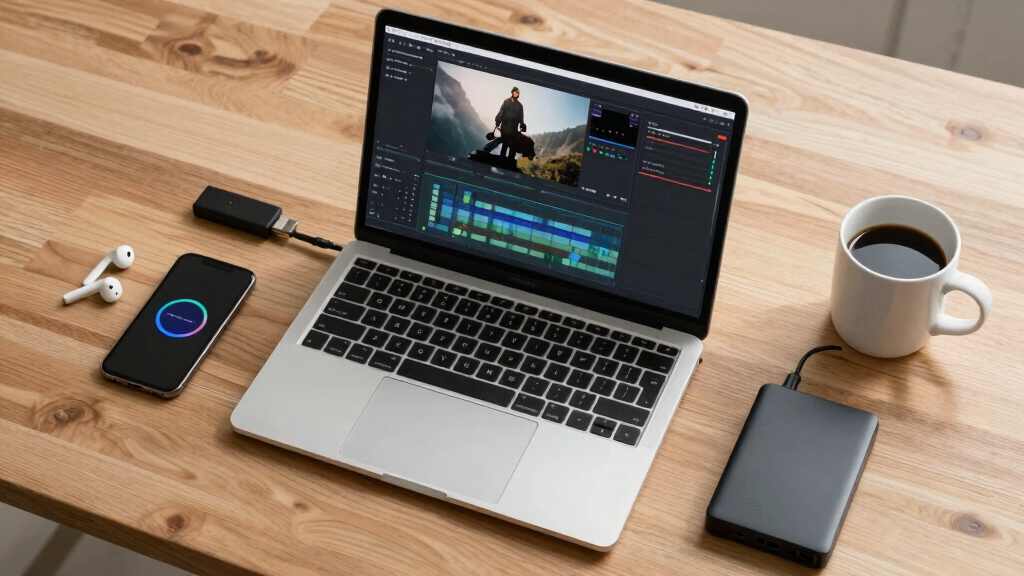
- What hardware do I need? (A powerful PC or dedicated device)
- How accurate are the AI outputs? (Expect some editing, but most are quite reliable)
- Can I handle updates and maintenance? (Most tools are user-friendly but check for support)
- What outputs do I need? (Transcripts, clips, social posts, metadata)
- Does it support my workflow? (Integration with your editing or publishing software)
Understanding these factors helps ensure a smooth transition to a local setup. Hardware requirements can be a barrier for some, but investing in a capable machine often pays off through faster processing and greater control. Recognizing that AI outputs, while reliable, still require human oversight encourages creators to develop a workflow that balances automation with manual refinement. Considering maintenance and support ensures long-term usability, preventing frustration down the line. Lastly, aligning the tool’s outputs with your existing process maximizes efficiency and minimizes disruption. For example, a YouTuber who adopted a local AI tool reported a 40% reduction in editing time, thanks to faster asset generation and greater control, demonstrating how strategic planning can enhance productivity.
Frequently Asked Questions
What hardware do I need to run a local AI publishing tool?
Typically, a modern PC with a dedicated GPU, at least 16GB RAM, and a fast SSD are recommended. Some tools may run on high-end laptops or specialized appliances. Check the specific requirements for your chosen software.
How accurate is the AI in generating titles, descriptions, and clips?
Most local AI tools achieve 80-90% accuracy, meaning you’ll still review and tweak outputs. Regular updates and training improve results over time, making it a reliable assistant rather than a replacement.
Can I use this for live videos or only uploaded files?
Currently, most solutions are designed for pre-recorded videos. However, some advanced setups support live analysis with additional hardware or streaming integrations. Check the software specs for real-time capabilities.
Is it expensive to set up a local publishing system?
Initial costs involve hardware investment — typically $2,000 to $4,000 for a capable machine. There are no recurring subscription fees, which can be a long-term cost saver. Many tools are open-source or have one-time licenses.
How does local processing compare in speed to cloud-based options?
Local processing is generally faster because it doesn’t rely on internet bandwidth. Tasks that take minutes in the cloud can be done in seconds on a high-performance machine, especially with GPU acceleration.
Conclusion
Turning a single video into a complete publishing package without the cloud isn’t just a neat trick — it’s a game-changer for control and efficiency. You get faster turnaround times, better privacy, and no surprise subscription fees.
As creators, the question isn’t just what you produce, but how quickly and securely you do it. The future belongs to those who master local, AI-powered workflows—where your content stays yours, and your process is streamlined and powerful. Ready to take control? Your full publishing kit is just a local click away.

NFL season / tailgating Picks
team gear
As an affiliate, we earn on qualifying purchases.