
To make a keyboard easier to use with limited mobility, look for features like customizable layouts and larger keys for easier access. Voice commands and alternative input options, such as eye-tracking or switch controls, can give you more control. An ergonomic design with adjustable height and wrist support helps prevent strain during extended use. These features work together to create a comfortable, adaptable experience—keep exploring to discover even more ways to enhance your usability.

Prime made for students and young adults
- Fast, free delivery for dorm and study essentials
- Prime Video and Amazon Music included
- Member-only deals
Key Takeaways
- Incorporating accessibility features like voice commands and customizable layouts enhances ease of use for limited mobility.
- Ergonomic adjustments such as adjustable height and wrist support reduce strain during extended use.
- Compatibility with alternative input methods, like eye-tracking or switch controls, offers flexible interaction options.
- Personalization options, including enlarged keys and shortcuts, improve efficiency and reduce fatigue.
- Seamless integration of assistive technology creates a more inclusive and user-friendly experience.
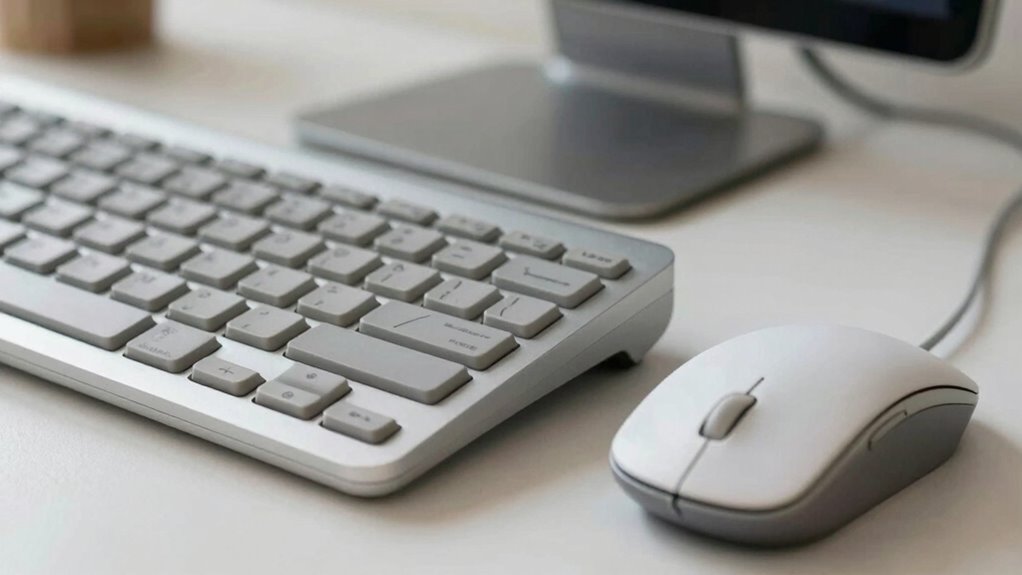
For individuals with limited mobility, using a standard keyboard can be challenging, but accessible design can make a significant difference. When a keyboard incorporates features like voice commands, it reduces the need for precise physical movements, allowing you to control your device more effortlessly. This feature is especially helpful if you find manual input difficult or tiring. Moreover, a keyboard designed with customizable layouts further enhances usability by allowing you to tailor the key arrangement to your specific needs. You can reassign functions, enlarge keys, or create shortcuts that suit your physical capabilities, making the device more intuitive and accessible.
Accessible keyboards with voice commands and customizable layouts improve control and comfort for users with limited mobility.
The importance of ergonomic design cannot be overstated. Keyboards that offer adjustable height, tilt, and wrist support help reduce discomfort and prevent strain during extended use. When combined with features like voice commands and customizable layouts, these ergonomic options ensure that you’re not forced into uncomfortable positions or repetitive movements. Instead, you can adapt the device to match your unique mobility level, which boosts both comfort and productivity. Accessibility isn’t just about adding special features; it’s about integrating them seamlessly into the device to create an inclusive experience. Additionally, ergonomic design plays a crucial role in reducing long-term strain and injury risk for users with limited mobility. Incorporating adaptive technology can further enhance usability by supporting various physical needs.
Another key element is the ability to use alternative input methods alongside or instead of traditional typing. For example, some keyboards are compatible with assistive technologies such as eye-tracking or switch controls, giving you more options to interact with your computer. These tools, when paired with voice commands and customizable layouts, create a flexible environment where you can choose the most effective input method for your situation. Integrating assistive technology and adaptive features can significantly enhance accessibility by accommodating various physical abilities. This versatility can be a game-changer, especially if your mobility varies throughout the day or your tasks require different levels of physical engagement.
Ultimately, what makes a keyboard easier to use with limited mobility is its capacity to adapt to your needs. Features like voice commands allow you to operate your device hands-free, while customizable layouts let you optimize the interface for your specific physical abilities. Ergonomics, alternative input options, and seamless integration of assistive technology all work together to create a user-friendly experience. When these elements are thoughtfully incorporated, your interaction with technology becomes more comfortable, efficient, and empowering.
accessible ergonomic keyboard with adjustable height
As an affiliate, we earn on qualifying purchases.
As an affiliate, we earn on qualifying purchases.
Frequently Asked Questions
Can Customizable Key Layouts Improve Ease of Use?
Customizable key layouts can substantially improve ease of use, especially when paired with assistive technology and adaptive software. You can tailor the keyboard to fit your specific needs, making typing more efficient and comfortable. By adjusting key positions or remapping functions, you reduce strain and improve accuracy. This personalization helps you navigate digital tasks with greater independence, ensuring the technology adapts to your mobility level rather than forcing you to adapt to it.
Are Wireless Keyboards Better for Limited Mobility?
Wireless keyboards often serve as more graceful solutions in assistive technology, offering flexibility and freedom of movement that wired models can’t match. With adaptive devices, you can position the keyboard comfortably, reducing strain and enhancing ease of use. Their portability and lack of cables make them ideal for limited mobility users, allowing you to focus more on your tasks without the clutter or constraints of traditional wired keyboards.
How Important Is Key Size for Accessibility?
Key size is vital for accessibility because it affects how easily you can press keys without missing or pressing the wrong ones. Larger keys with wider key spacing help you type more accurately, especially if you have limited dexterity. Tactile feedback is also essential, as it confirms your key presses, reducing errors and increasing confidence. Together, these features make typing more comfortable and accessible, helping you use the keyboard more effectively.
Do Special Grip or Ergonomic Designs Help?
Special grip and ergonomic designs definitely help. They improve your hand grip, making it easier to hold and press keys comfortably. Ergonomic features, like curved layouts and cushioned pads, reduce strain and fatigue. These designs support natural hand positions, helping you type more efficiently with less effort. If you have limited mobility, choosing a keyboard with ergonomic design can make a significant difference in your comfort and overall usability.
Can Voice Recognition Replace Traditional Keyboards?
Can voice recognition truly replace traditional keyboards? It can serve as a powerful alternative input method, especially with adaptive technology designed for accessibility. Voice commands allow you to type and navigate hands-free, making tasks easier for those with limited mobility. While not perfect yet, voice recognition continues improving and can substantially enhance your independence, complementing or even replacing traditional keyboards in many situations.
keyboard with large keys and customizable layout
As an affiliate, we earn on qualifying purchases.
As an affiliate, we earn on qualifying purchases.
Conclusion
Making a keyboard easier to use with limited mobility isn’t just about convenience—it’s about accessibility. By customizing key functions and choosing ergonomic designs, you can greatly improve your experience. Did you know that nearly 15% of the world’s population lives with some form of disability? That statistic highlights the importance of adaptive technology. Embracing these tools not only empowers you but also fosters inclusivity for everyone. Your comfort and independence matter—so take the steps to make your keyboard work for you.
assistive technology compatible keyboard with voice commands
As an affiliate, we earn on qualifying purchases.
As an affiliate, we earn on qualifying purchases.
eye-tracking switch control keyboard
As an affiliate, we earn on qualifying purchases.
As an affiliate, we earn on qualifying purchases.
Fall Picks
fall essentials
As an affiliate, we earn on qualifying purchases.