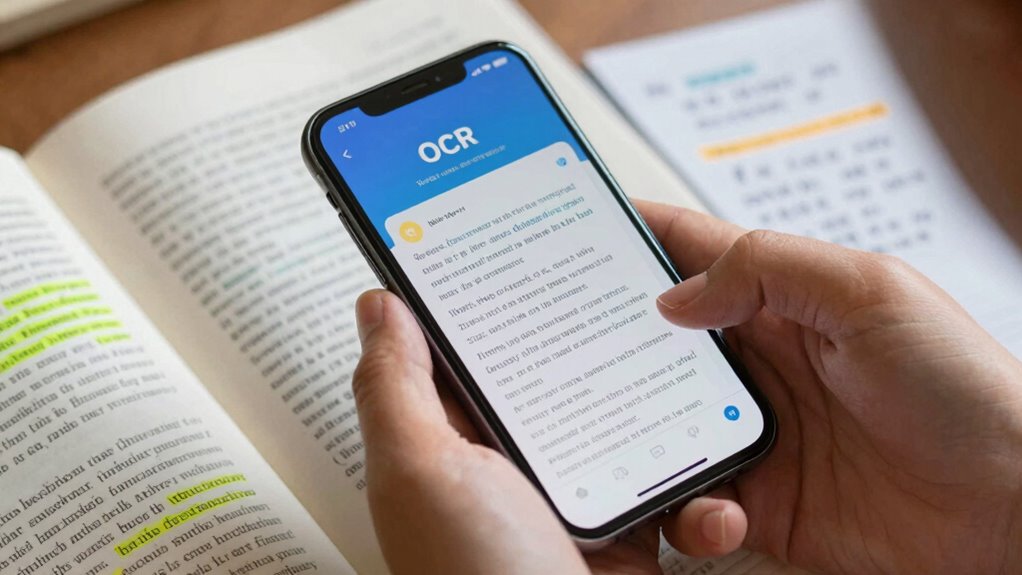

OCR helps you convert printed text into digital, searchable, and editable formats, making information more accessible. It recognizes different fonts, styles, and complex layouts to keep the original look, ensuring accuracy. This process makes scanning books or documents quick and easy, enhances searchability, and supports text-to-speech tools. If you keep exploring, you’ll discover even more about how OCR improves your ability to access and interact with printed content effortlessly.

Prime made for students and young adults
- Fast, free delivery for dorm and study essentials
- Prime Video and Amazon Music included
- Member-only deals
Key Takeaways
- Converts printed text into digital, searchable, and editable content for easier access and interaction.
- Recognizes various fonts and formats to preserve the original document’s appearance and meaning.
- Enables quick navigation and search within large texts, saving time and effort.
- Supports accessibility for visually impaired users through enhanced text-to-speech and comprehension.
- Handles complex documents like tables and forms, maintaining structure for better usability.
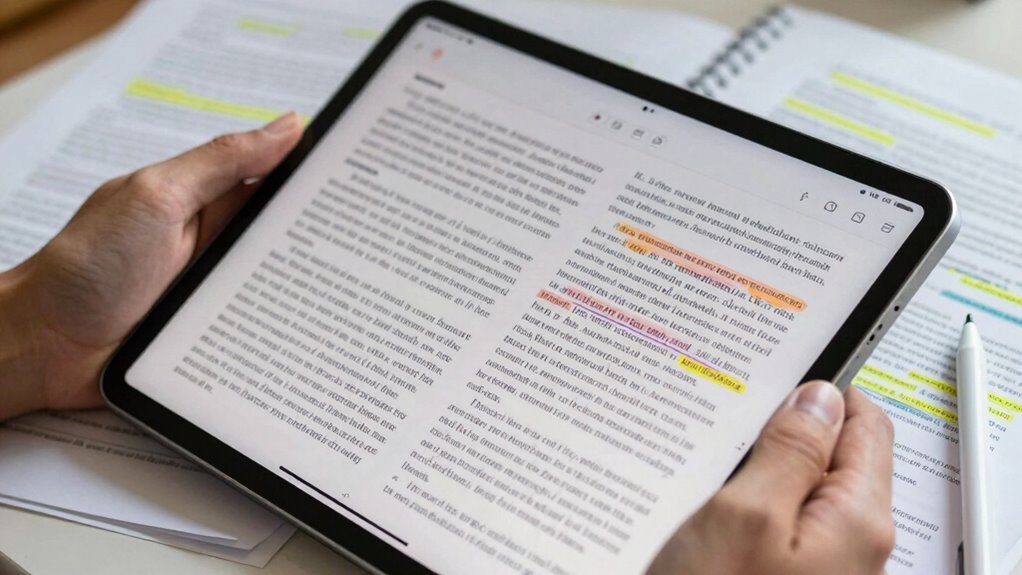
Have you ever struggled to read printed text due to visual impairments or readability challenges? If so, you’re not alone, and that’s where OCR technology truly makes a difference. Optical Character Recognition, or OCR, is designed to convert images of printed text into digital, editable, and searchable content. This process is not just about copying words; it’s about enhancing your ability to access information seamlessly. When OCR works effectively, it delivers high text accuracy, meaning the digital text closely matches the original. This accuracy is essential because it guarantees you can rely on the digital version for reading, editing, or sharing without worrying about errors or misinterpretations.
OCR transforms printed text into accurate, searchable digital content for easier access and reading.
One of the key strengths of OCR is font recognition. Different printed materials use various fonts, sizes, and styles, which can sometimes be challenging for digital tools to interpret correctly. OCR software employs sophisticated algorithms to recognize and adapt to these variations, guaranteeing that the font style doesn’t distort the content’s meaning. When font recognition is precise, it preserves the document’s original appearance while making the text accessible in digital form. This is especially helpful for users who need to retain specific formatting for professional or personal reasons.
Beyond just converting text, OCR enhances your reading experience by making printed materials searchable and easier to navigate. For instance, if you scan a lengthy document or a book, you can quickly find specific words or phrases without flipping through pages manually. This capability is invaluable for research, studying, or simply saving time. OCR also supports text-to-speech applications, allowing visually impaired users to listen to the content read aloud from the digital version. Here, text accuracy is paramount, as even minor mistakes can change the meaning of what’s being read.
In addition, OCR’s ability to handle different fonts and layouts ensures that complex documents, like tables, forms, or multi-column articles, are accurately digitized. This preserves the structure and readability, making it easier for you to comprehend and use the information effectively. Overall, OCR’s main goal is to bridge the gap between printed and digital worlds, giving you greater independence and access to knowledge. Its focus on high text accuracy and advanced font recognition means you’re empowered to read, search, and interact with printed content in ways that were once impossible. Furthermore, understanding content recognition is crucial for optimizing OCR’s performance across diverse document types. When combined with advancements in machine learning, OCR systems can continually improve their accuracy and adaptability, leading to even better results over time.
Popular right now

Shark Rocket Pet Plus Corded Stick Vacuum, Bordeaux, HV322

De’Longhi Classic Matte Black Espresso Machine with Milk Frother

Samsung 42-Inch Class OLED S90F 4K Smart TV (2025)
As an affiliate, we earn on qualifying purchases.
Frequently Asked Questions
Can OCR Handle Handwritten Text Effectively?
OCR can handle handwritten text, but its effectiveness varies. With advanced handwriting recognition, it can accurately convert cursive and print, especially when trained for specific scripts. However, script differentiation remains challenging, especially with messy or inconsistent handwriting. You’ll find that modern OCR tools perform better with clear, well-formed writing, but for more complex or hurried handwriting, results may require manual correction.
How Accurate Is OCR With Complex Backgrounds?
OCR’s accuracy drops with complex backgrounds due to image distortion and background complexity, making it harder to distinguish text from clutter. You might notice misreads or missed characters if the background is busy or the image is distorted. To improve results, guarantee the image is clear, with minimal background interference and proper lighting. Using advanced OCR tools with background removal features can also enhance accuracy in challenging situations.
Does OCR Work With Multiple Languages Simultaneously?
Yes, OCR works with multiple languages simultaneously, especially with advanced software that supports multilingual recognition. It can identify and switch between languages quickly, making it ideal for documents with diverse content. When you use OCR with language switching, it automatically detects the language of each section, ensuring accurate recognition. This feature helps you save time and effort, providing precise results even in complex, multilingual documents.
What Are Common OCR Errors in Reading Support Tools?
You might notice OCR errors like misread words, often caused by font variability or poor text recognition. These mistakes happen unexpectedly, like stumbling over familiar words, which can be frustrating. Common issues include confusing similar characters or missing punctuation. Such errors remind you how tricky text recognition can be, especially with diverse fonts and layouts. Despite these glitches, OCR still considerably supports reading, making text more accessible.
How Does OCR Improve Accessibility for Visually Impaired Users?
OCR improves accessibility for visually impaired users by converting printed text into digital formats, making it easier to access. You benefit from features like text-to-speech integration, which reads aloud the recognized text, and Braille device compatibility, allowing you to feel the content through tactile feedback. This technology enables you to read more independently, access a wider range of materials, and enhances your overall learning and reading experience.
Conclusion
As you realize, OCR isn’t just about converting images into text—it’s like discovering a hidden library within your device. Suddenly, those difficult-to-read menus and faded documents become clear, almost as if a gentle breeze has turned back time. With OCR, you’re holding the key to access countless stories and information, making reading support feel like a natural part of your everyday life. It’s no coincidence—technology has truly become your unseen reading companion.