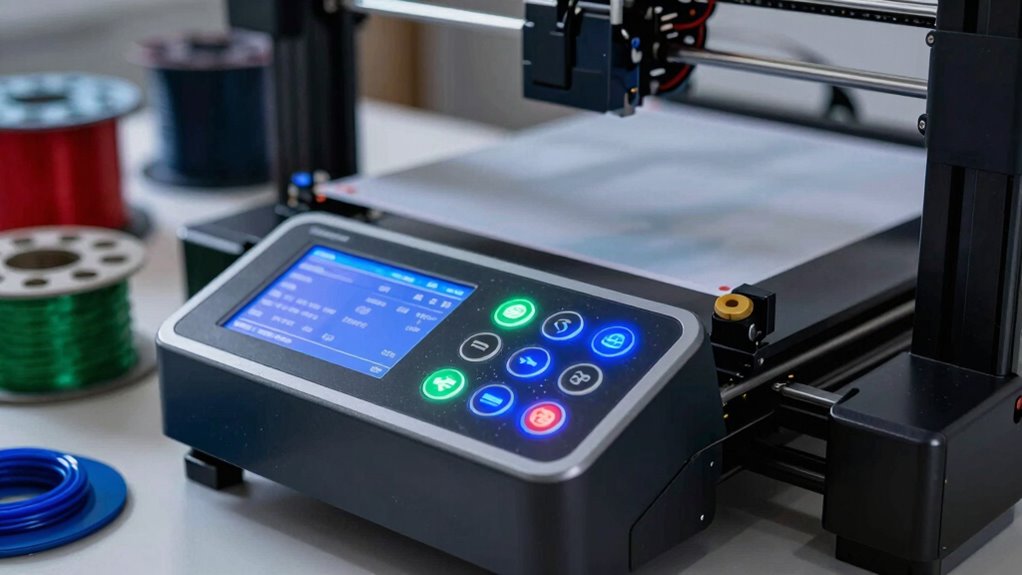

When choosing a 3D printer, focus on filament compatibility, maintenance needs, and overall workflow. Speed is important, but if your printer can’t support your preferred materials or requires frequent repairs, your projects will suffer. Look for features like reliable motion systems and thermal management that support high-quality prints at higher speeds. Balancing these factors guarantees smooth operation and better results. Keep exploring to discover how to make the best choice for your needs.

Prime made for students and young adults
- Fast, free delivery for dorm and study essentials
- Prime Video and Amazon Music included
- Member-only deals
Key Takeaways
- Prioritize filament compatibility to ensure the printer supports your material needs and avoids costly upgrades.
- Focus on reliable motion systems and thermal management for consistent quality at higher speeds.
- Regular maintenance routines extend printer lifespan and prevent quality issues during fast printing.
- Balance print speed with desired quality; faster isn’t always better if it compromises detail.
- Consider features like self-leveling beds and automatic filament feeds to simplify high-speed printing workflows.
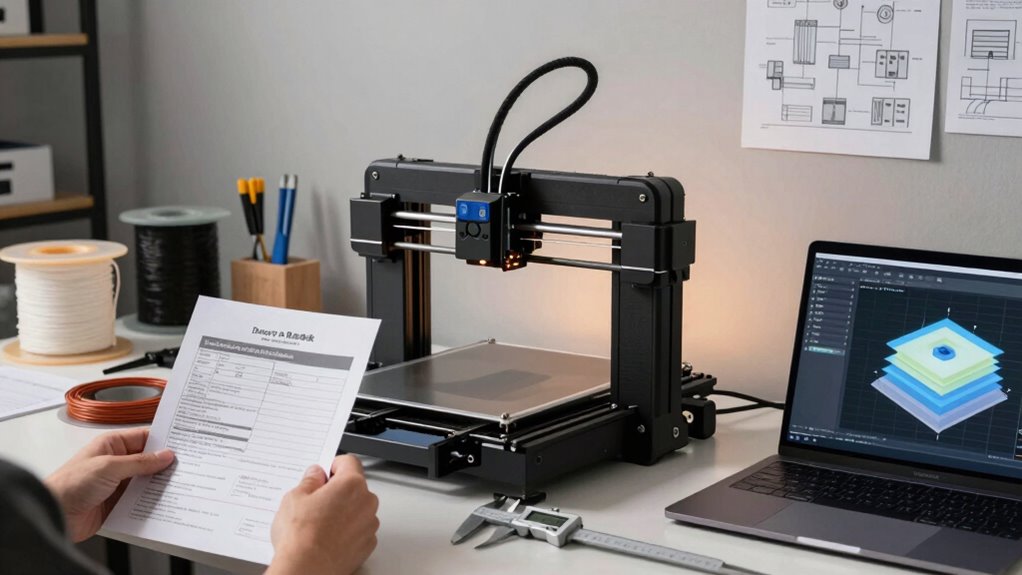
Choosing the right 3D printer can seem overwhelming given the variety of options available, but understanding your specific needs simplifies the process. When it comes to print speed, many enthusiasts focus on the fastest machines, but there’s more to factor in before making that decision. One of the key factors is filament compatibility. Not all printers support every filament type, so you need to verify the machine you select can handle the materials you plan to use regularly. Whether it’s PLA, ABS, PETG, or specialty filaments like flexible or composite materials, compatibility influences not only your creative options but also your overall satisfaction with the printer. If you pick a machine that doesn’t support your preferred filament, you’ll be limited in your projects, and switching or upgrading later can be costly.
Another critical aspect often overlooked is printer maintenance. The more complex a machine, the more attention it requires to keep it running smoothly. Higher print speeds can strain the components, leading to increased wear and tear. If you’re considering a fast printer, ask yourself whether you’re prepared for regular calibration, cleaning, and part replacements. Some printers come with self-leveling beds or automatic filament feed systems, which can reduce maintenance effort, but they might come at a higher initial cost. Remember, a machine that’s easy to maintain not only saves you time but also helps prevent issues that could compromise print quality at high speeds. Additionally, understanding the print speed capabilities and how they impact print quality is essential to avoid sacrificing detail for faster results. It’s also worth noting that the motion system plays a crucial role in supporting high-speed printing while maintaining accuracy. A well-designed motion system can significantly improve the overall reliability of your prints at higher speeds. Moreover, considering the thermal management of the printer can help maintain consistent extrusion quality during rapid printing. Also, a good understanding of print reliability can guide you toward choosing a machine that minimizes errors during high-speed operation.
Easy-to-maintain printers save time and prevent high-speed print issues with regular calibration and cleaning.
Speed isn’t just about raw velocity; it’s also about how well the machine manages quality at higher speeds. Pushing a printer to print faster can lead to issues like layer misalignment, stringing, or reduced detail. Look for models with features designed to support high-speed printing without sacrificing precision, such as rigid frame construction, improved motion systems, and high-quality nozzles. These features help you balance speed and quality, giving you quicker results without sacrificing the finish of your prints. Investing in a machine with advanced motion control mechanisms can make a noticeable difference in achieving high-quality, fast prints.
Ultimately, before prioritizing print speed, consider how filament compatibility and printer maintenance fit into your workflow. A fast printer isn’t worth much if it can’t handle your preferred materials or if it requires constant repairs. By choosing a machine that aligns with your filament needs and offers manageable maintenance routines, you set yourself up for a smoother, more productive 3D printing experience—one that values reliability as much as speed.
3D printer filament compatibility
As an affiliate, we earn on qualifying purchases.
As an affiliate, we earn on qualifying purchases.
Frequently Asked Questions
How Does Filament Compatibility Impact Overall Printer Performance?
Filament compatibility greatly influences your printer’s overall performance because using the right filament guarantees ideal filament durability and material flexibility. When your printer supports various filaments, you can choose materials suited for your project’s strength, flexibility, and longevity. Incorrect filament compatibility may cause clogs, poor adhesion, or print failures, reducing efficiency. So, verify your printer’s filament compatibility to maintain consistent quality, durability, and flexibility in your prints.
What Maintenance Routines Are Essential for Long-Term Reliability?
Think of your 3D printer as a finely tuned orchestra; regular maintenance keeps it harmonizing. You should follow consistent lubrication routines for moving parts to prevent wear and tear. Calibration practices are equally important—frequently check and adjust bed leveling and axis alignment to guarantee precision. These routines help maintain long-term reliability, reduce print failures, and extend your printer’s lifespan, making every project smoother and more successful.
How Do Different Printer Frame Materials Affect Print Quality?
Different frame materials substantially impact print quality through frame stability and material durability. Metal frames, like aluminum, offer excellent stability, reducing vibrations that cause print imperfections. Plastic or acrylic frames are less stable, which can lead to warping or layer misalignments. For consistent, high-quality prints, choose a sturdy, durable frame material that minimizes vibrations and maintains alignment throughout the printing process.
What Safety Features Should I Look for in a 3D Printer?
You should look for safety features like clear safety protocols and an emergency shutdown function. These guarantee you can quickly stop the printer if something goes wrong, preventing accidents or damage. A heated bed with automatic shutoff, enclosed design, and sensors that detect overheating also boost safety. Prioritizing these features helps protect you and your equipment, making your 3D printing experience safer and more reliable.
How Does Community Support Influence Troubleshooting and Upgrades?
Think of community support as a vibrant hive buzzing with shared knowledge. Your community engagement provides a treasure trove of troubleshooting resources and upgrade ideas, turning complex problems into manageable tasks. When you hit a snag, these connections act like a lighthouse guiding you to solutions, making repairs faster and upgrades smoother. The more you engage, the brighter your 3D printing journey shines, transforming challenges into opportunities for growth.
automatic filament feed 3D printer
As an affiliate, we earn on qualifying purchases.
As an affiliate, we earn on qualifying purchases.
Conclusion
When choosing a 3D printer, prioritize what truly matters beyond just print speed—like reliability, build volume, and support. Remember, a recent survey found that 65% of users experienced downtime due to maintenance issues, highlighting the importance of quality over speed alone. By focusing on these factors, you’ll avoid costly mistakes and enjoy smoother, more successful prints. Ultimately, a well-chosen machine saves you time and frustration, making your creative process more rewarding.
As an affiliate, we earn on qualifying purchases.
high-speed 3D printer with thermal management
As an affiliate, we earn on qualifying purchases.
As an affiliate, we earn on qualifying purchases.
Evergreen bestsellers Picks
bestsellers
As an affiliate, we earn on qualifying purchases.