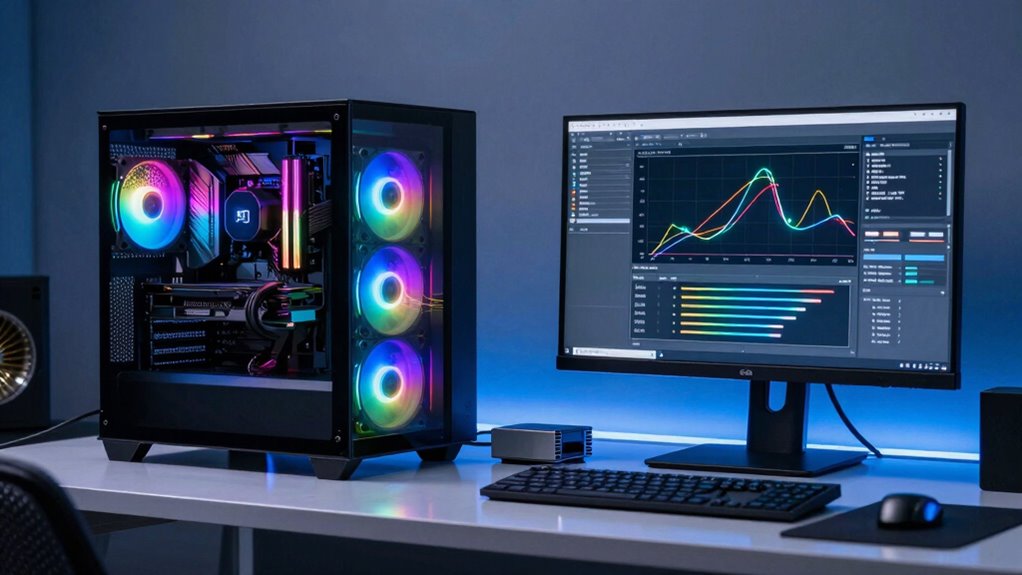

Switching to local AI inference means your PC needs more powerful hardware, especially a strong GPU, ample RAM, and fast storage like SSDs. This upgrade handles complex models faster, reduces latency, and improves data privacy by processing locally. You’ll rely less on internet stability and cloud services, giving you more control. As AI models grow, your hardware must keep up. Want to understand exactly what components are essential? Keep going to discover more about building the ideal AI-ready PC.

Get school and study supplies delivered free — and shop member deals
- Fast, free delivery on millions of items
- Access to Prime Big Deal Days deals on October 6–7
- Prime Video, Amazon Music and more included
Key Takeaways
- Local AI inference requires high-performance GPUs for fast processing and handling large models efficiently.
- Ample RAM and SSD storage are essential to support complex models and datasets locally.
- Hardware must be compatible with AI frameworks and future-proof for evolving model sizes.
- Investing in powerful hardware enhances data privacy, reduces latency, and minimizes reliance on internet stability.
- System design should prioritize scalability and compatibility to adapt to ongoing AI advancements.
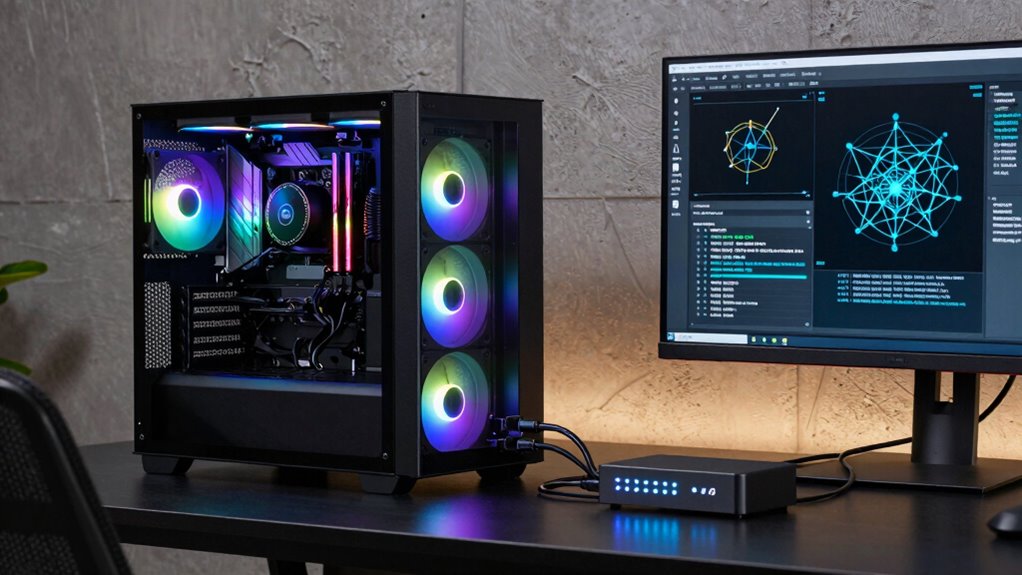
As AI models grow more powerful and versatile, running inference locally on your PC becomes increasingly practical and appealing. Instead of relying on cloud services, where your data travels over the internet, local inference lets you process information directly on your machine. This shift substantially impacts the type of PC you need, especially when regarding aspects like cloud scalability and data privacy. Cloud scalability might sound like a benefit—being able to scale resources up or down depending on workload—but it also comes with limitations, including latency, costs, and dependence on a stable internet connection. When you run AI inference locally, you eliminate those concerns, gaining faster response times and greater control over your hardware. Furthermore, you avoid the potential risks associated with transmitting sensitive data over the internet, which is a vital advantage when data privacy is a priority. This means your PC must be equipped with enough processing power, memory, and storage to handle AI workloads efficiently. A powerful GPU becomes indispensable, especially for real-time inference tasks, as it accelerates the computation process considerably compared to traditional CPUs. You’ll also want ample RAM to manage large models and datasets without bottlenecks, ensuring smooth operation during intensive tasks. Storage capacity matters too—storing models, datasets, and logs requires a robust setup, preferably with SSDs for quick data access. Running inference locally shifts the responsibility of hardware performance from cloud providers to your PC, so investing in a machine with modern, high-performance components is a smart move. Besides hardware, you’ll also need to factor in your system’s compatibility with AI frameworks and libraries, which often require specific configurations or updates. As you build or upgrade your PC, think about future-proofing hardware—a system that can handle upcoming model sizes and increased complexity without needing immediate upgrades. This approach not only enhances your ability to run current models efficiently but also prepares you for the evolving AI landscape. Fundamentally, moving inference from the cloud to your PC empowers you with greater data privacy, reduced latency, and more control over your AI workflows. While it demands a more capable and often more expensive setup upfront, the long-term benefits—especially in environments where privacy and speed matter—make it a worthwhile investment. As AI continues to advance, the right hardware foundation becomes even more critical, ensuring you stay ahead in leveraging local inference effectively. Additionally, understanding local inference advantages can help you make better decisions about hardware investments and system design, such as selecting components that support AI frameworks and future updates. To maximize efficiency, it’s also essential to consider cloud scalability limitations, which can influence decisions on hardware investments and system architecture. Recognizing these hardware requirements ensures your setup remains capable as models become more complex and demanding.
high performance GPU for AI inference
As an affiliate, we earn on qualifying purchases.
As an affiliate, we earn on qualifying purchases.
Frequently Asked Questions
How Does Local AI Inference Impact Data Privacy?
Local AI inference boosts your data privacy because it processes data directly on your PC, so sensitive information doesn’t need to leave your device. This reduces security concerns linked to transmitting data to external servers. You maintain better control over your data, minimizing the risks of breaches or leaks. Overall, local inference helps you safeguard your privacy while still benefiting from advanced AI capabilities.
Can Existing PCS Handle Local AI Inference?
Imagine your PC as a busy kitchen, flipping through recipes and prepping ingredients. Many existing PCs might struggle with local AI inference, especially if hardware optimization isn’t up to speed or software compatibility is lacking. To handle AI tasks smoothly, your system needs a powerful CPU, GPU, and enough RAM. If your hardware isn’t optimized, or software isn’t compatible, you’ll find the experience sluggish, like a chef trying to cook with missing tools.
What Software Is Needed for Local AI Inference?
You’ll need AI optimization software like TensorFlow, PyTorch, or ONNX Runtime to run local AI inference effectively. These tools help optimize models for your hardware, ensuring compatibility and performance. Make sure your PC’s hardware aligns with the software requirements—such as GPU support or sufficient RAM—to maximize inference speed and efficiency. Installing the right software and confirming hardware compatibility are key steps to successfully perform local AI inference on your PC.
How Much Does Upgrading for Local AI Inference Cost?
Cost can vary widely, with a detailed cost analysis revealing upgrade options that fit your budget. You might spend a few hundred dollars on a mid-range GPU or go all-in with high-end hardware costing over a thousand dollars. Remember, upgrading for local AI inference involves considering components like graphics cards, RAM, and cooling. Balancing budget and performance guarantees you get the best bang for your buck without breaking the bank.
Is Local AI Inference Suitable for Gaming PCS?
Yes, local AI inference can be suitable for gaming PCs, especially if you have the right AI hardware. It can enhance gaming performance by improving tasks like real-time rendering or AI-driven NPC behavior. However, you’ll need a powerful GPU and CPU to handle AI workloads efficiently. Upgrading your hardware guarantees smoother gameplay and enables your PC to run advanced AI features, making your gaming experience more immersive and responsive.
As an affiliate, we earn on qualifying purchases.
Conclusion
Think of your PC as a trusty steed on a journey. With local AI inference, it needs to be strong and agile, ready to handle the steep climbs of complex tasks. Just like a rider upgrades their horse for challenging terrains, you must equip your PC with the right hardware to keep up with AI demands. When you understand this, you’re prepared to navigate the evolving landscape of technology — always a step ahead in the race.
As an affiliate, we earn on qualifying purchases.
As an affiliate, we earn on qualifying purchases.
Fall Picks
fall essentials
As an affiliate, we earn on qualifying purchases.